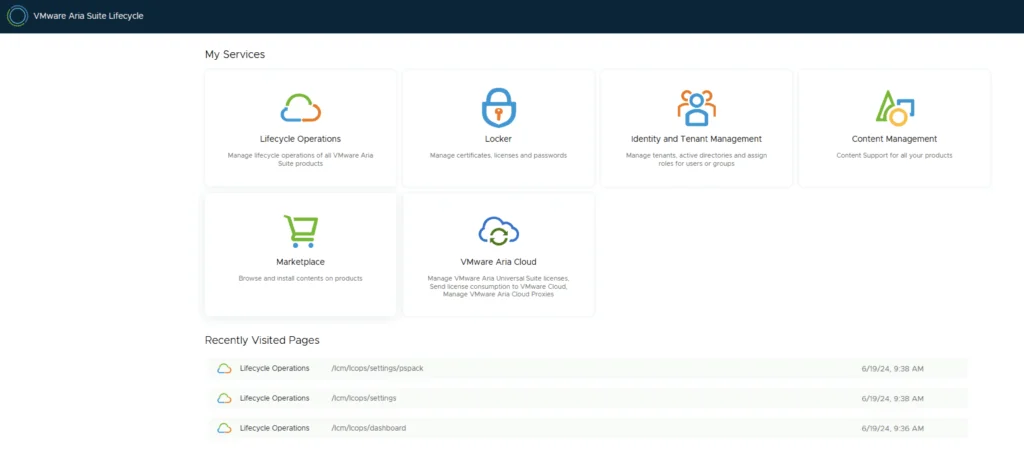
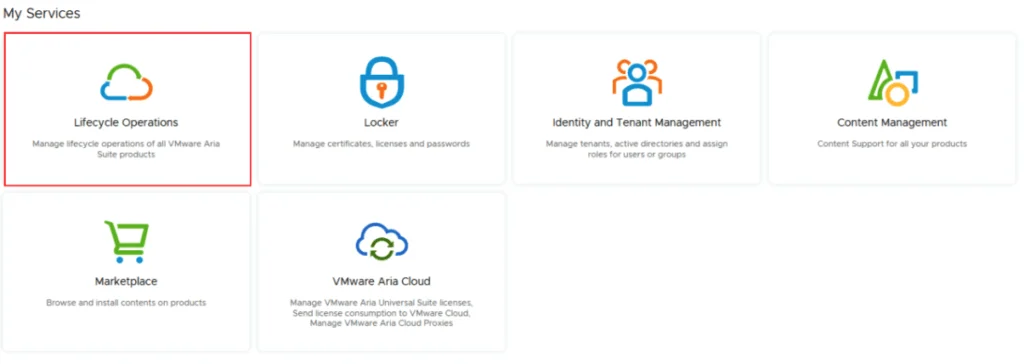
A screenshot of VMware Aria Suite Lifecycle showing services like Lifecycle Operations, Locker, and Marketplace.

Aria Suite Lifecycle Product Support Pack (PSPACK) upgrade - manual version

In this guide I will go over the manual steps of getting an existing 8.x Aria Suite Lifecycle appliance to support the latest product releases available. Here is a great blog that goes in to the details about what the Product Support Pack is https://blogs.vmware.com/management/2019/01/vrslcm-pspak.html. Typically the newer Product Support Pack is included part of the upgrade for Aria Suite Lifecycle, however sometimes there are product releases in between releases where product support packs come in handy. As of 8.16.0 Product Support Pack 4 we can no longer automatically download the Product Support Pack files. The release notes can be found here. ...

June 19, 2024 · Cosmin Trif
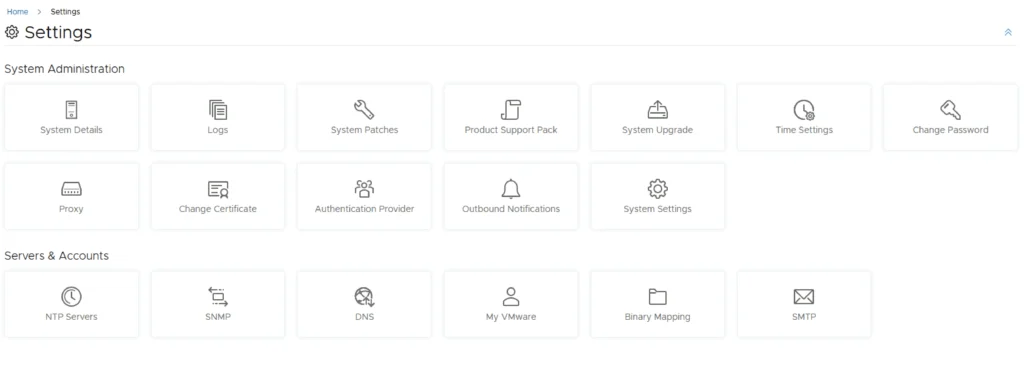
Settings page in VMware Aria Suite Lifecycle with various system and server management options.

Upgrading Aria Operations to 8.17.1 via Aria Suite Lifecycle

In this post I will go over upgrading my 8.x Aria Operations appliance to 8.17.1 using Aria Suite Lifecycle. As a pre requirement we do need to have Aria Suite Lifecycle upgraded to 8.16. Instructions can be found here. The upgrade does not include the latest Product Support Pack. We can apply the latest Product Support Pack following the instructions here. Downloading the 8.17.1 Upgrade Binaries To get started we can go to Aria Suite Lifecycle -> Lifecycle Operations -> Settings -> Binary Mapping. (If you haven’t added your My VMware credentials you will need to do that first by going to Aria Suite Lifecycle -> Lifecycle Operations -> Settings -> My VMware) ...

June 19, 2024 · Cosmin Trif
VMware Aria Suite Lifecycle services and recently visited pages, focusing on PSPACK.

Aria Suite Lifecycle Product Support Pack (PSPACK) upgrade

In this guide I will go over the steps of getting an existing 8.x Aria Suite Lifecycle appliance to support the latest product releases available. Here is a great blog that goes in to the details about what the Product Support Pack is https://blogs.vmware.com/management/2019/01/vrslcm-pspak.html. Typically the newer Product Support Pack is included part of the upgrade for Aria Suite Lifecycle, however sometimes there are product releases in between releases where product support packs come in handy. ...

June 19, 2024 · Cosmin Trif

Creating a Custom Role in vCenter for Aria Automation: A Step-by-Step Guide

Introduction Automation in VMware environments enhances efficiency, reduces human error, and improves the consistency of operations. Aria Automation (formerly vRealize Automation) is a powerful tool designed to automate processes in your VMware infrastructure. However, to fully leverage its capabilities, Aria Automation requires specific permissions in vCenter. This blog post will guide you through creating a custom role in vCenter with all necessary permissions for the Aria Automation service account. Before You Begin Prerequisites ...

May 13, 2024 · Cosmin Trif
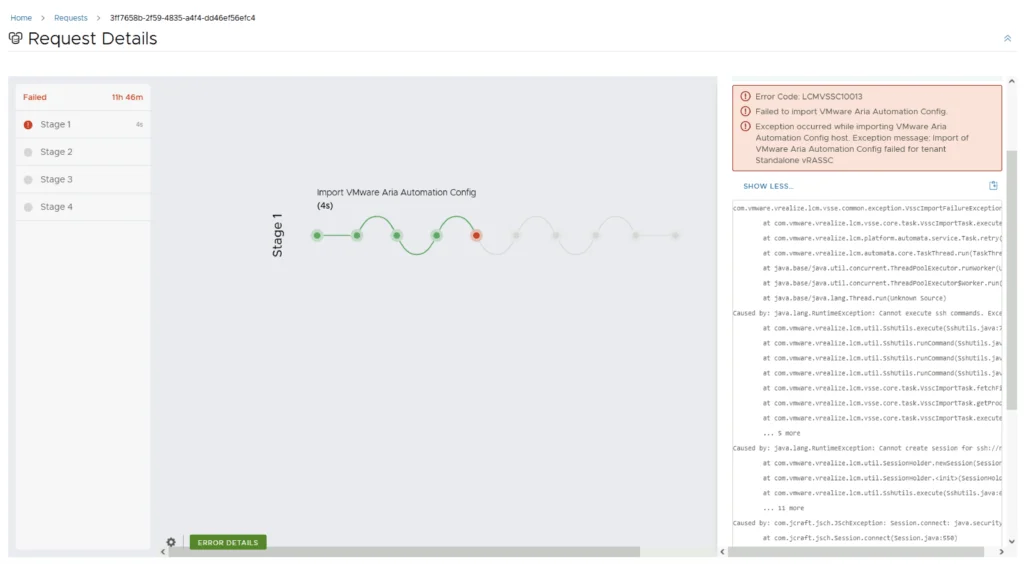
Error Code: LCMVSSC10013 shown in a VMware Aria Automation Config import request details, highlighting failed Stage 1 with error message.

Error Code: LCMVSSC10013

While trying to upgrade my SaltStack Config environment to 8.16.2 I encountered Error Code: LCMVSSC10013 in VMware Aria Suite Lifecycle. The error details: Error Code: LCMVSSC10013 Failed to import VMware Aria Automation Config. Exception occurred while importing VMware Aria Automation Config host. Exception message: Import of VMware Aria Automation Config failed for tenant Standalone vRASSC com.vmware.vrealize.lcm.vsse.common.exception.VsscImportFailureException: Import of VMware Aria Automation Config failed for tenant Standalone vRASSC at com.vmware.vrealize.lcm.vsse.core.task.VsscImportTask.execute(VsscImportTask.java:185) at com.vmware.vrealize.lcm.platform.automata.service.Task.retry(Task.java:158) at com.vmware.vrealize.lcm.automata.core.TaskThread.run(TaskThread.java:60) at java.base/java.util.concurrent.ThreadPoolExecutor.runWorker(Unknown Source) at java.base/java.util.concurrent.ThreadPoolExecutor$Worker.run(Unknown Source) at java.base/java.lang.Thread.run(Unknown Source) Caused by: java.lang.RuntimeException: Cannot execute ssh commands. Exception encountered : Session.connect: java.security.spec.InvalidKeySpecException: key spec not recognized at com.vmware.vrealize.lcm.util.SshUtils.execute(SshUtils.java:721) at com.vmware.vrealize.lcm.util.SshUtils.runCommand(SshUtils.java:532) at com.vmware.vrealize.lcm.util.SshUtils.runCommand(SshUtils.java:516) at com.vmware.vrealize.lcm.util.SshUtils.runCommand(SshUtils.java:628) at com.vmware.vrealize.lcm.vsse.core.task.VsscImportTask.fetchFipsStatus(VsscImportTask.java:342) at com.vmware.vrealize.lcm.vsse.core.task.VsscImportTask.getProductDetails(VsscImportTask.java:260) at com.vmware.vrealize.lcm.vsse.core.task.VsscImportTask.execute(VsscImportTask.java:158) ... 5 more Caused by: java.lang.RuntimeException: Cannot create session for ssh://root@ssc-01a.corp.local at com.vmware.vrealize.lcm.util.SessionHolder.newSession(SessionHolder.java:57) at com.vmware.vrealize.lcm.util.SessionHolder.<init>(SessionHolder.java:37) at com.vmware.vrealize.lcm.util.SshUtils.execute(SshUtils.java:663) ... 11 more Caused by: com.jcraft.jsch.JSchException: Session.connect: java.security.spec.InvalidKeySpecException: key spec not recognized at com.jcraft.jsch.Session.connect(Session.java:550) at com.vmware.vrealize.lcm.util.SessionHolder.newSession(SessionHolder.java:53) ... 13 more Caused by: java.security.spec.InvalidKeySpecException: key spec not recognized at org.bouncycastle.jcajce.provider.asymmetric.util.BaseKeyFactorySpi.engineGeneratePublic(Unknown Source) at org.bouncycastle.jcajce.provider.asymmetric.edec.KeyFactorySpi.engineGeneratePublic(KeyFactorySpi.java:212) at java.base/java.security.KeyFactory.generatePublic(Unknown Source) at com.jcraft.jsch.jce.XDH.getSecret(XDH.java:71) at com.jcraft.jsch.DHXEC.next(DHXEC.java:134) at com.jcraft.jsch.Session.connect(Session.java:328) ... 14 more To get around it I had to enable FIPS mode in Aria Suite Lifecycle under Lifecycle Operations -> Settings -> Tips Mode Compliance -> check the enabled box -> Click Update ...

March 25, 2024 · Cosmin Trif
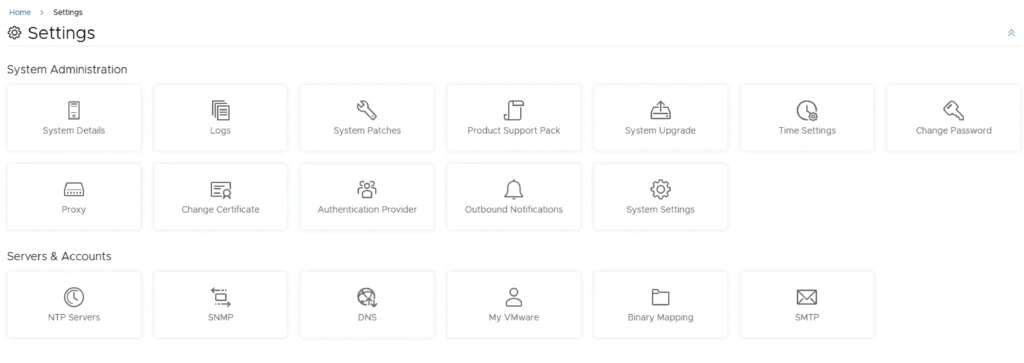
Settings page with options for system administration and server accounts, including upgrade, patches, and accounts management.

Upgrading VMware Aria Automation Config to 8.16.2

In this post I will go over upgrading my 8.x SSC appliance to 8.16.2. As a pre requirement we do need to have VMware Aria Suite Lifecycle upgraded to 8.16. Instructions can be found here. The upgrade does not include the latest PSPACK that contains the 8.16.2 Aria Automation Config release. Instructions to get the PSPACK can be found on my other blog post here. Downloading the 8.16.2 Binaries To get started we can go to VMware Aria Suite Lifecycle -> Lifecycle Operations -> Settings -> Binary Mapping. (If you haven’t added your My VMware credentials you will need to do that first by going to VMware Aria Suite Lifecycle -> Lifecycle Operations -> Settings -> My VMware) ...

March 25, 2024 · Cosmin Trif
Settings page with options for system administration and servers/accounts.

Upgrading VMware Aria Automation to 8.16.2

In this post I will go over upgrading my 8.x vRA appliance to 8.16.2. As a pre requirement we do need to have VMware Aria Suite Lifecycle upgraded to 8.16. Instructions can be found here. The upgrade does not include the latest PSPACK that contains the 8.16.2 VMware Aria Automation release. Instructions to get the PSPACK can be found on my other blog post here. Downloading the Upgrade Binary via Binary Mapping To get started we can go to VMware Aria Suite Lifecycle -> Lifecycle Operations -> Settings -> Binary Mapping. (If you haven’t added your My VMware credentials you will need to do that first by going to VMware Aria Suite Lifecycle -> Lifecycle Operations -> Settings -> My VMware) ...

March 22, 2024 · Cosmin Trif
VMware Aria Suite Lifecycle Operations, Marketplace, Locker, Identity Management, Content Management, and VMware Aria Cloud options.

VMware Aria Suite Lifecycle Product Support Pack (PSPAK) Upgrade

In this guide I will go over the steps of getting an existing 8.x VMware Aria Suite Lifecycle (formerly vRSLCM vRealize Lifecycle Manager) appliance to support the latest product releases available. Here is a great blog that goes in to the details about what the Product Support Pack is https://blogs.vmware.com/management/2019/01/vrslcm-pspak.html. Typically the newer Product Support Pack is included part of the upgrade for LCM, however sometimes there are product releases in between releases where product support packs come in handy. ...

March 22, 2024 · Cosmin Trif

Enhancing vCenter Server Firewall Management with Ansible

In today’s dynamic IT environments, maintaining a secure and efficient infrastructure is paramount. For VMware vSphere administrators, managing the firewall settings on vCenter servers is a critical task that ensures the security of the entire virtualized infrastructure. Ansible, an open-source automation tool, offers a streamlined approach to managing firewall settings across multiple vCenter servers. This blog post will guide you through automating vCenter server firewall configurations using Ansible, showcasing how to apply these changes across multiple servers seamlessly. ...

March 21, 2024 · Cosmin Trif

Streamlining vCenter Server Firewall Management with SaltStack Config

In the realm of VMware vSphere management, securing your vCenter Server is critical to maintaining a robust and secure infrastructure. SaltStack Config, integrated into VMware’s vRealize Automation suite, offers a powerful way to automate and manage configurations across your VMware environment, including firewall settings. This blog explores how to leverage SaltStack Config to automate firewall adjustments on your vCenter servers, ensuring consistent security policies and simplifying the process across multiple instances. ...

March 21, 2024 · Cosmin Trif