I documented this manual Product Support Pack workflow on an existing 8.x Aria Suite Lifecycle appliance. For background, see VMware’s Product Support Pack overview. Typically the newer Product Support Pack is included part of the upgrade for Aria Suite Lifecycle, however sometimes there are product releases in between releases where product support packs come in handy.
Accessing the Product Support Pack Settings
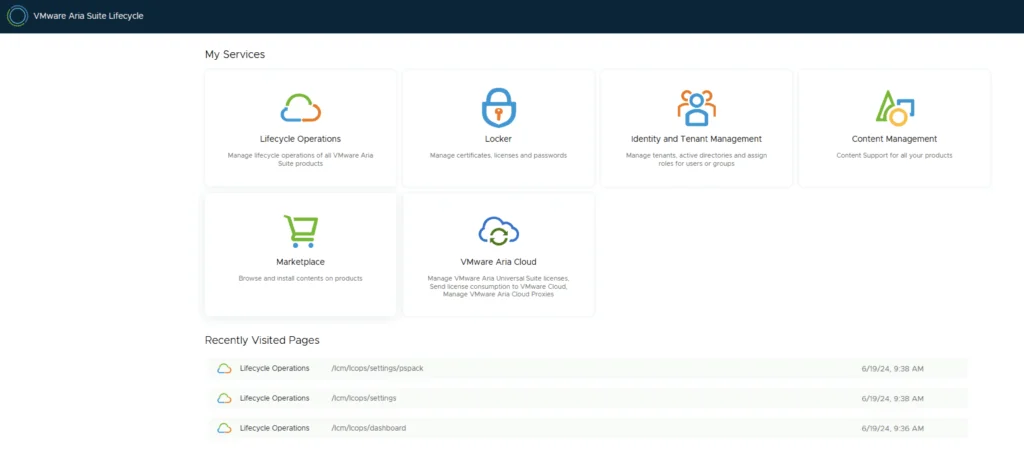
The first step is to log in to Aria Suite Lifecycle under the Lifecycle Operations section

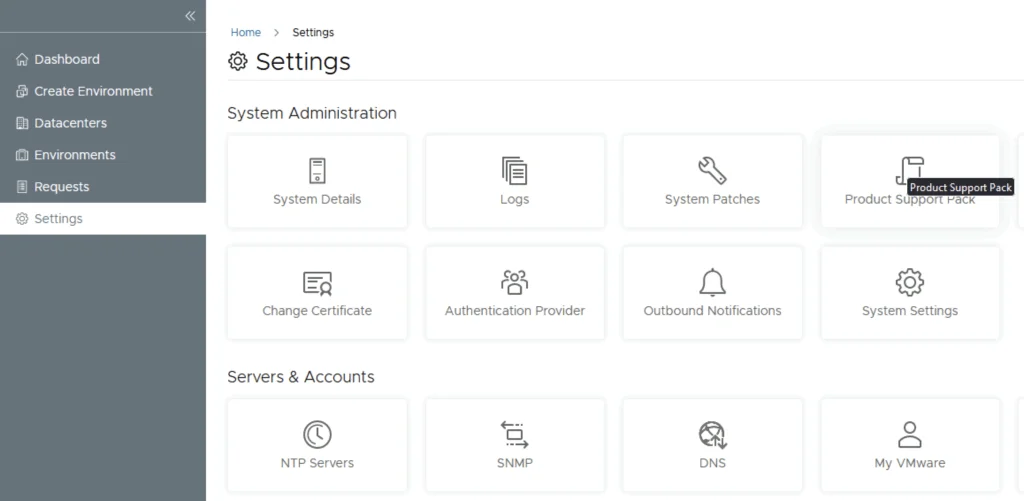
Go to settings -> Product Support Pack
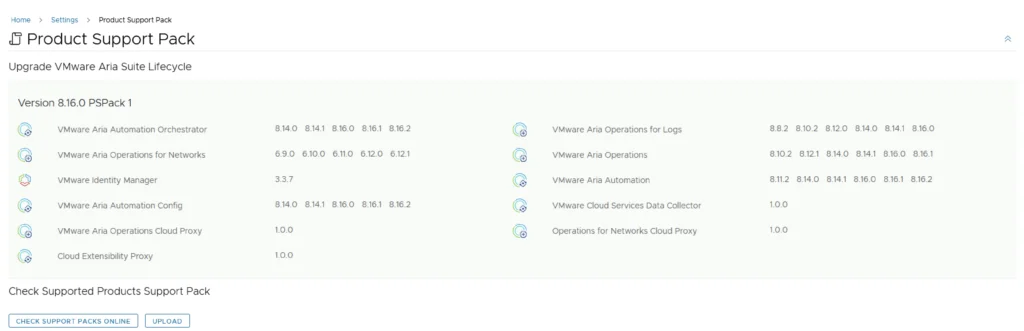
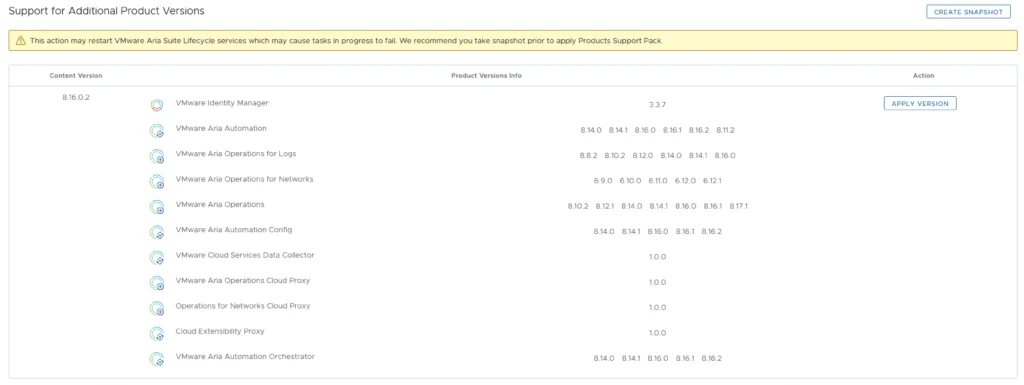
We can see that I recently upgraded to 8.16.0 however a new update is available 8.16.0.2. Based on what we can see in the details the new support pack adds support for a few additional product versions. If an update is not available click on the Check Support Packs Online button and refresh the screen within a few minutes. If the appliance has no internet access, I covered the manual version of the PSPACK upgrade in a separate guide.
Applying the New PSPACK Version
Click on Apply Version
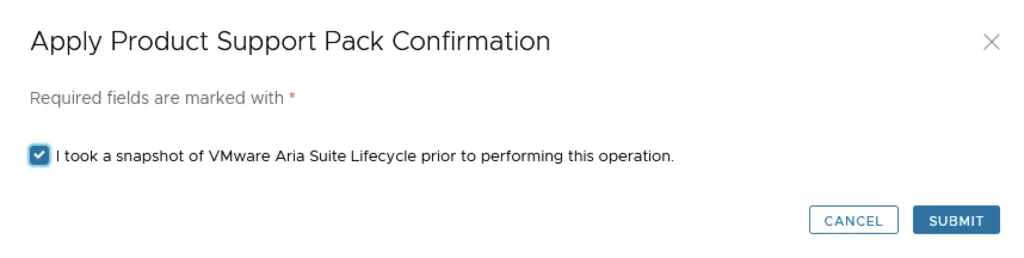
Verify that a snapshot or a backup exists and click Submit
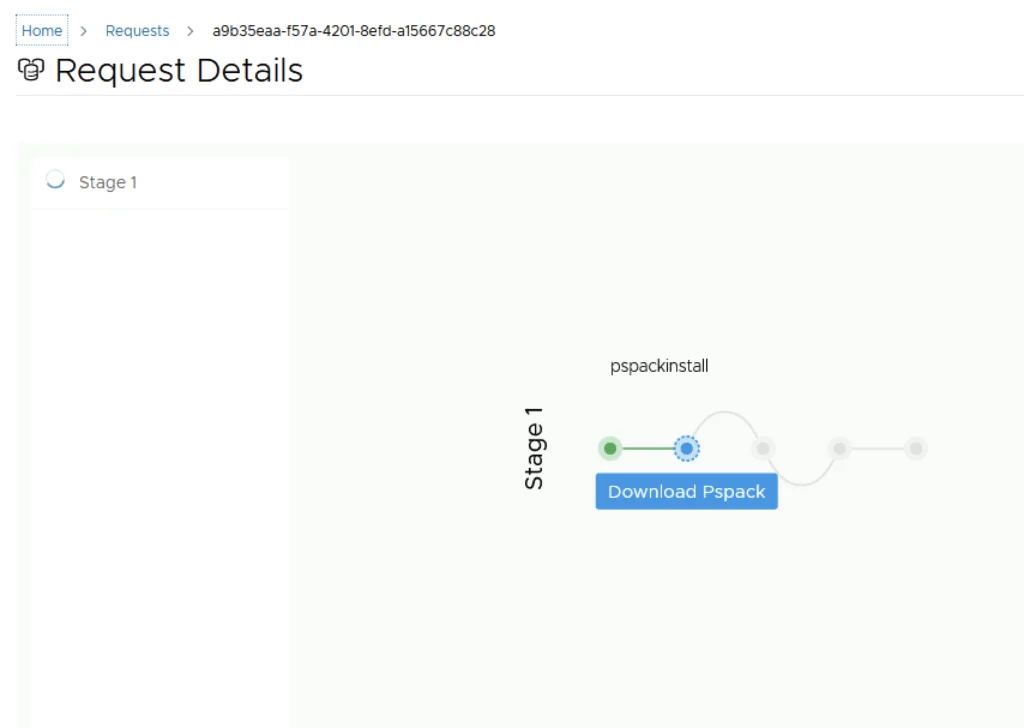
We can view the progress by clicking on the Click Here link after submitting the request

Verifying the Updated Patch Level
Once the process is complete the system will most likely reboot. To check the status we can go back to settings -> Product Support Pack. As we can see we are now at the updated patch level
Troubleshooting a Browser Cache Error
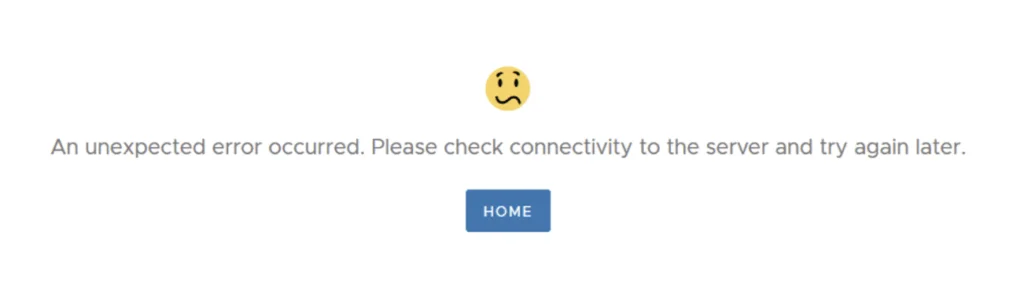
If you get the below error clear the browser cache and try again